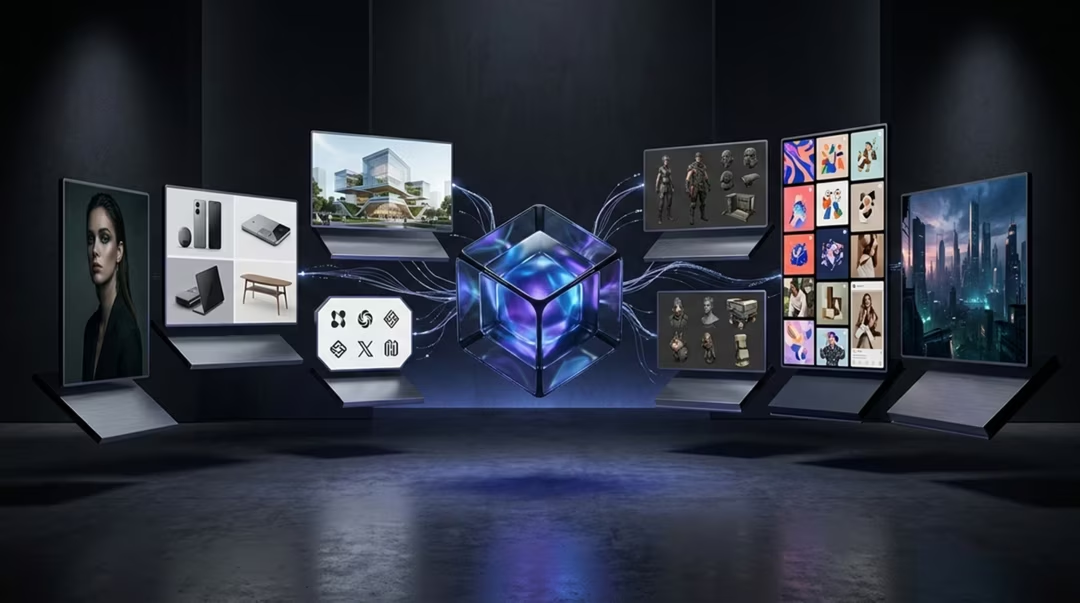
Choosing an AI image tool is not a personality test. It is a routing problem: this job goes to that tool. Once you accept that, the anxiety around "picking the best one" disappears.
The table below is the heart of this page. The sections after it explain the reasoning for the cases where the choice is not obvious.
Key takeaways
- Route each job to the tool built for it rather than defaulting to one favourite.
- Free tools cover more jobs than most people assume.
- Text, characters and commercial governance are the three cases with clear specialists.
- Explore in a fast model, execute in a precise one, finish in a design tool.
- The strongest workflow is often multi-model.
The decision table
| Use case | Start with | Alternative | Why |
|---|---|---|---|
| Photorealistic portraits | FLUX.2 | Nano Banana 2 | Rewards camera-literate description |
| Editorial images | Midjourney | FLUX.2 | Distinctive art direction |
| Product photography | FLUX.2 | Adobe Firefly 5 | Material behaviour and controlled light |
| Logo concepts | Ideogram 3 | GPT Image 2 | Readable letterforms and clean marks |
| Readable text in images | Ideogram 3 | GPT Image 2 | Leading option for typography |
| Game assets | Leonardo AI | Midjourney for concept | Built for repeatable asset sets |
| Character design | Leonardo AI | GPT Image 2 with references | Consistency across many images |
| Social graphics | Ideogram 3 | Nano Banana 2 | Text-led formats and fast turnaround |
| YouTube thumbnails | Ideogram 3 | GPT Image 2 | Legibility at small size |
| Client work | Adobe Firefly 5 | FLUX.2 with licence review | Approval workflows and credentials |
| Commercial campaigns | Adobe Firefly 5 | Midjourney for concepting | Documented commercial positioning |
| Image editing | Nano Banana 2 | Adobe Firefly 5 | Fast conversational edits |
| Sketch to image | Leonardo AI Realtime Canvas | Nano Banana 2 | Hand-controlled composition |
| Fast free experimentation | Nano Banana 2 | Bing Image Creator | Free, immediate, forgiving |
| API workflows | FLUX.2 | Provider-specific options | Available through multiple providers |
| Anime and manga visuals | Midjourney Niji workflows | Nano Banana 2 | Strong stylisation control |
| Image upscaling | Tool-native upscalers | Dedicated upscaling software | Check invented detail at full size |
| Mood boards | Midjourney | Nano Banana 2 | Volume and aesthetic variety |
Model availability, product features, pricing, and usage terms can change. Check the official product page before making a purchasing decision.
Photography-style work
Portraits, product shots and editorial imagery all depend on believable light and material. FLUX.2 is frequently preferred here because it takes technical instruction literally.
Nano Banana 2 is the pragmatic alternative when speed matters more than the last ten per cent of fidelity, which for social and web use it usually does.
A photograph of a brushed steel kettle on a pale concrete surface. Single soft light from the upper left, one white bounce card at right, visible brushed grain and a faint fingerprint near the handle. 85mm at f/8, ISO 100, tripod, plain background, no branding, no text.
Note how much of this is physics rather than adjectives.
Brand, logos and text
Whenever words appear in the image, route the job to Ideogram 3. This is the least debatable recommendation on the page.
Try IdeogramFor final brand assets, remember that generated type is a concept. Set real type in a design tool, and treat logo output as ideation, as explained in best AI tool for logos.
A bold horizontal thumbnail. The words "Three Small Fixes" in a heavy condensed sans across the lower left, high contrast against a dark workshop background, a single hand tool lit from the right, no other text, clean and legible at small size.
Short copy, explicit placement, and a legibility instruction.
Characters, assets and games
Anything requiring a matching set belongs in Leonardo AI. The gain is not in any single image but in the twentieth one still looking like the first.
Try Leonardo AIConcept the look in Midjourney if you like, then move the approved direction into Leonardo for production. That pairing is covered in Leonardo AI vs Midjourney.
Style block for the whole set: painterly concept art, muted coastal palette of slate, sand and faded teal, soft directional light from upper left, medium detail, clean silhouettes on neutral grey, consistent scale across all assets.
Paste this unchanged into every prompt in the set. That is the entire consistency technique.
Editing, sketching and upscaling
For quick edits, conversational tools win because you can describe the change instead of masking it. Nano Banana 2 is our default here.
For layout-critical composition, Realtime Canvas in Leonardo lets you draw the arrangement rather than describe it. For upscaling, use the tool-native upscaler first and inspect at full size, because invented detail is common.
Explore Adobe FireflyKeep the composition, lighting and colour exactly as they are. Remove the cable running across the lower right corner and continue the floor texture beneath it. Change nothing else.
Describe the replacement surface, not just the removal. Models fill; they do not erase.
API and pipeline work
If images are generated inside your own product, predictability matters more than flair. FLUX.2 is frequently chosen because it is available through multiple providers and responds consistently to precise prompts.
Build a prompt template with fixed structure and variable slots, then test it across many inputs before shipping. Consistency at scale comes from templates, not from clever phrasing.
A photograph of {SUBJECT} on a plain {SURFACE} background. Single soft light from the upper left, gentle contact shadow, 85mm at f/8, honest colour, centred composition, no text, no branding, clean edges suitable for cut-out.
Only the two slots change. Everything else is locked so output stays uniform.
Re-check twice a year
Every recommendation on this page reflects August 2026. Model line-ups shift, and a routing table that is not reviewed becomes quietly wrong.
The multi-model conclusion
The strongest workflow is often multi-model: use the right tool for the right phase instead of forcing one model to do every job.
In practice that usually means three stages. Explore quickly and cheaply. Execute precisely in the specialist that matches the job. Finish in a design tool where type, colour and export are under your full control.
You do not need every tool. You need a clear map of which job goes where, and the willingness to switch when the job changes.
Frequently asked questions
Do I really need more than one AI image tool?
Not always, but the strongest workflow is often multi-model: use the right tool for the right phase instead of forcing one model to do every job. Two tools with clear roles usually beat one general tool.
If I can only pick one, which should it be?
Nano Banana 2 for general free use, Midjourney if aesthetics matter most, Ideogram 3 if your images carry text, or Adobe Firefly 5 if you work with clients and approvals.
Which tool is best for image editing?
Conversational tools such as Nano Banana 2 are excellent for quick constrained edits, and Adobe Firefly 5 is strong inside a full design pipeline.
Which tool suits API and product integration?
FLUX.2 is frequently preferred for API-oriented and pipeline work because it is available through multiple providers and responds predictably to precise prompts.
How often should I revisit this decision?
Roughly twice a year, or whenever a tool you rely on announces a significant model change. Recommendations in this field age quickly.
Return to the pillar guide for the full comparison: nine tools across realism, text, editing, speed, commercial safety and cost.
Continue the series
The other chapters in the AI Image Tools comparison guide.