Key takeaways
- Recreate the recipe, not the pixels: light, color, composition and mood transfer; faces and fine details don’t.
- Extract the recipe with an image-to-prompt tool instead of guessing vocabulary.
- Compare at arm’s length first — overall grade and framing matter more than local detail.
- Iterate one prompt section per generation; that’s how you converge without chaos.
Set expectations first
Every generation model is a different interpreter. Give two models the same prompt and you get two cousins, not twins. Add seeds, sampling and resolution to the mix and exact reproduction becomes statistically impossible — which is why the honest goal is visual equivalence: a new image that reads the same way, not a copy.
Understanding why results vary makes the whole process calmer. Our guide on why the same prompt produces different images covers the six factors in detail.
Step 1 — Extract the recipe
Don’t start from a blank prompt. Feed the reference into the AI Prompt Generator and let it name the light direction, the palette anchors, the framing and the mood in model-friendly language. What you get is a structured breakdown — and structure is what makes iteration possible.
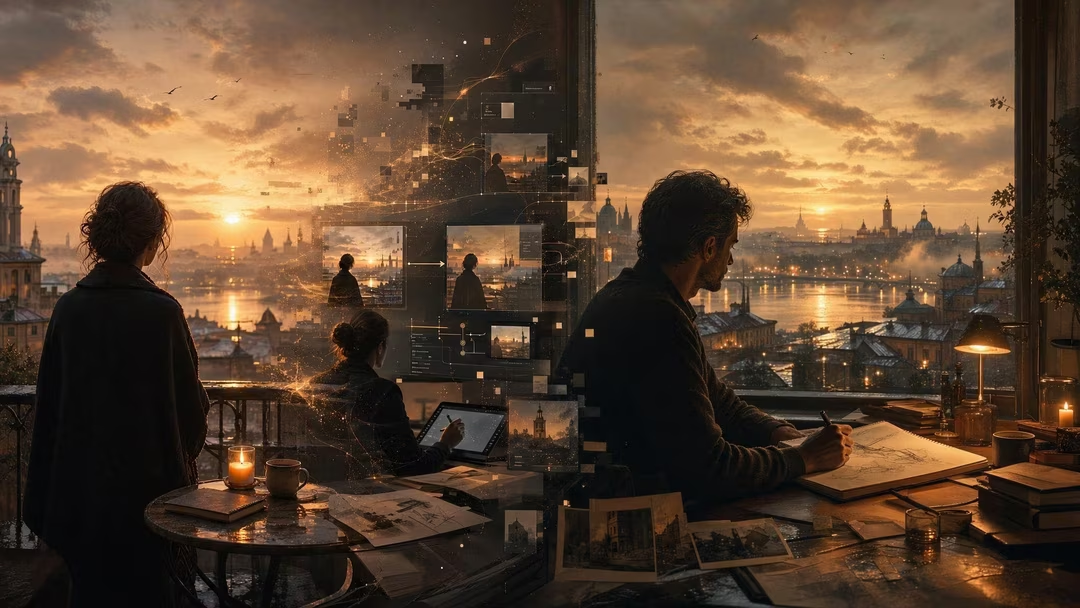
Golden-hour backlight with warm rim on the silhouette; horizon on the upper third; palette of burnt amber, deep teal and near-black; 35mm environmental perspective, deep focus; quiet contemplative mood; fine grain.
Step 2 — Generate close, not identical
Paste the recipe into your generator and run two or three variations before judging anything. Early outputs are scouting runs: they tell you which sections the model is honoring and which it’s improvising. Resist the urge to edit yet.
Step 3 — Compare like a professional
Art directors compare at two distances. Squint first: does the overall value structure match — the balance of light and dark, the temperature, the composition’s weight? If the squint test passes, zoom in: edges, texture, small props. Most “it’s wrong” feelings are actually a failed squint test — a grade or framing issue, not a detail issue. Fix the big axes before touching details.
The squint test
If two images match when you squint, they match where it counts. Detail differences read as “another photograph of the same scene” — which is usually exactly what you want.
Step 4 — Iterate one variable at a time
Change one section per generation. Swap the palette and you’ll learn how much mood it was carrying; adjust only the light direction and you’ll see what the shadows were doing. This is the same discipline as refining prompts one variable at a time, and it compounds: after five iterations you understand the reference better than you did before you started.
Previous prompt unchanged except: replace “burnt amber, deep teal” with “pale rose sky, indigo water” — keep rim light, framing, mood and grain identical.
One change, one lesson. Repeat until the look converges.
Where recreation crosses a line
Recreating a lighting style or a color grade is legitimate study — it’s how every photographer learns. Recreating a specific artist’s identifiable work, or a real person’s likeness, to pass off as your own is not. Use references to learn the recipe; then cook your own dish. For character-specific work, see keeping an AI character consistent.
FAQ
How close can I realistically get?
Very close on light, palette, framing and mood — often indistinguishable at a glance. Not close on exact faces, text, or fine object placement.
Should I use image-to-image instead?
Image-to-image can get you closer faster for style transfer, but it’s harder to control precisely. Many pros combine both: prompt for structure, image guidance for texture. See the workflow comparison.
Which model is best for recreation?
Whichever you’ll ship with. Recreate in the model you plan to use for finals, because each interprets the same recipe differently.